






The arrival of ChatGPT Images 2.0 challenges the very trend that Google’s Nano Banana introduced last year. The update finally promises to solve one of the longest-standing frustrations in AI-generated visuals, i.e., creating clean, accurate text inside images. The improvements that OpenAI has made with the new Images 2.0 update promise to address the basic text rendering issues, with capabilities that are superior to Google’s Nano Banana 2 and Nano Banana Pro.
Users are already showing off the image generation prowess of the updated ChatGPT. One user managed to generate complex restaurant menu cards with properly legible texts, rendered with the matching art style. But there’s more to Images 2.0 than simply printing menu cards.
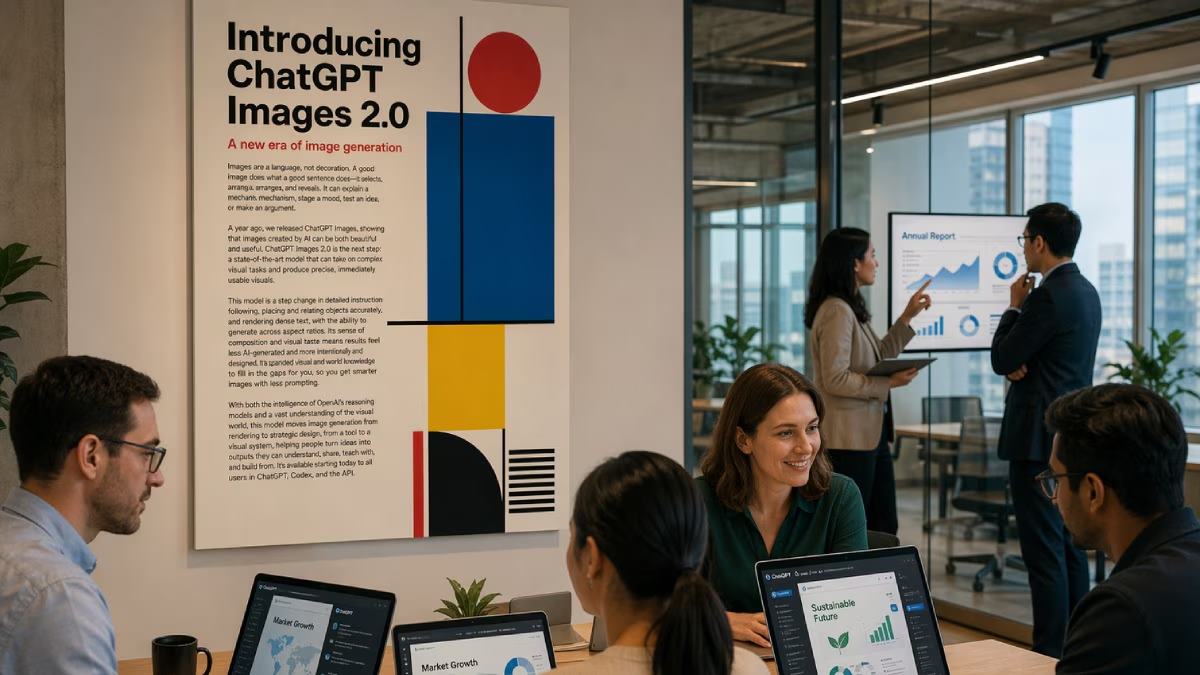
Here’s a fun fact: the cover image you see in this article has been generated by ChatGPT Images 2.0. Check out the text and its legibility.
What is ChatGPT Images 2.0 doing better than before
ChatGPT Images 2.0 (powered by OpenAI’s gpt-image-2 model) currently leads major blind-voting leaderboards such as LM Arena with an Elo score of 1,512 — a record 242-point jump, which is far ahead of Google’s Nano Banana 2 (Gemini 3.1 Flash Image Preview) at 1,270. On Artificial Analysis, the prior GPT Image 1.5 scores approximately 1,273 Elo, narrowly ahead of Nano Banana 2 at 1,264.
ChatGPT Images 2.0 outperforms Nano Banana 2, Ideogram v3, Midjourney, and Flux.2 variants in dense text rendering, complex typography, multilingual support (including non-Latin scripts like Hindi, Japanese, and Korean), and precise instruction-following for UI elements, icons, and multi-panel layouts. While Nano Banana 2 leads in generation speed (3-20s per image) and photorealistic portraits, ChatGPT Images 2.0 delivers superior text accuracy, publication-ready output, and consistency across image batches.
For you, as a user, ChatGPT just got a whole lot better for work. You can use it to plan composition, create detailed educational infographics, maps, and data visualisations, i.e., everywhere where precision data rendering is critical.
Some practical use cases for ChatGPT Images 2.0
– Marketing and social media: Generate complete branded content packs in one go.
– Product Design: Create realistic mockups of packaging, apparel, or gadgets.
– Education and training: Produce illustrated worksheets, infographics, and presentation slides.
– E-commerce: Quickly visualise products in different settings.
– Creative projects: Design book covers, album art, game assets, or personalised gifts.
5 things you can ask ChatGPT Images 2.0 to do to make your corporate job easier
1. Create professional presentations, pitch decks
Best for: Consultants, sales teams, and executives
Example prompt:
“Create a clean, modern title slide and three content slides for a Q2 business review presentation for a tech company called ‘XXXX’. Use dark blue and white corporate colours, include the company logo placeholder, professional typography, subtle icons, and clear headings. Make it suitable for a board meeting.”
2. Design reports, infographics and data visualisations
Best for: Analysts, finance teams, and managers
Example prompt:
“Create a professional infographic summarising Q1 2026 sales performance for a SaaS company. Include key metrics: revenue $4.2M (up by 18%), new customers 245, churn rate 3.2%. Use clean corporate style with blue and green accents, accurate charts, icons, and easy-to-read text. Make it executive-friendly.”
3. Generate branded marketing and internal communication assets
Best for: Marketing, HR, and internal comms teams
Example Prompt:
“Design a complete set of branded internal announcement graphics for ‘XXXX’ announcing a new employee wellness program. Create 1 LinkedIn banner, 1 email header, and 2 social media posts. Use official brand colours (navy blue, orange, white), include the company logo placeholder, and maintain consistent modern corporate style.”
4. Build product mockups and proposal visuals
Best for: Product managers, sales, and business development teams
Example prompt:
“Create three realistic product mockups for our new AI-powered CRM dashboard called ‘XXXX’. Show: 1) Desktop view, 2) Mobile view, and 3) The dashboard in a modern office setting on a large monitor. Use clean UI, dark mode, and include accurate text labels and our company branding.”
5. Design training materials and onboarding documents
Best for: HR, L&D (Learning & Development), and team leads
Example prompt:
“Create a professional onboarding infographic and flowchart for new employees at ‘XXXX’. Show the 30-day onboarding journey with key milestones, training sessions, and check-ins. Use corporate blue and grey colours, clear icons, step-by-step layout, and easy-to-read typography.”
How to access ChatGPT Images 2.0
ChatGPT Images 2.0 is now available to all ChatGPT users, with advanced “thinking” features reserved for paid plans (Plus, Pro, and Business). The underlying gpt-image-2 model is also available via OpenAI’s API for developers and businesses.