



















A technology professional has issued a warning after describing how a seemingly routine job application process led to a sophisticated scam attempt involving malicious software.
In a post titled “Got scammed during a fake job interview,” the individual explained how fraudsters posing as recruiters for a remote role used a deceptive verification step to gain access to their system. The account, which has circulated widely online, detailed how the scheme unfolded and highlighted the risks facing job seekers.
“Hey everyone, just wanted to give a heads up about a job scam I almost fell for so nobody else goes through the same thing. I applied for a Remote Data Analyst position at a company called Criptoro (criptoro.biz). The job post looked totally legit, good salary, well-written, realistic requirements. They replied, scheduled an interview, and everything seemed normal,” the person wrote.
According to the post, the process appeared credible at first, with communication from the alleged employer and an interview being arranged without any immediate cause for concern.
However, the situation changed when the individual was sent a link via WeChat. The link directed them to what appeared to be a Cloudflare verification page, a commonly used system designed to confirm that users are human.
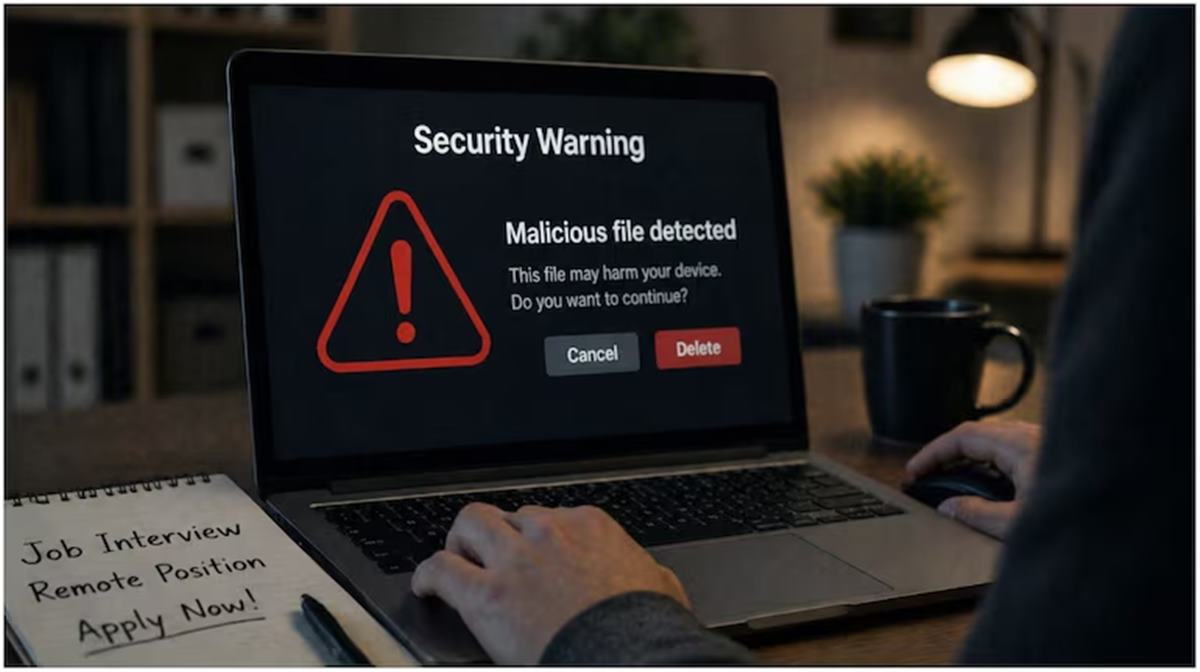
“It asked me to press Windows + R, then Ctrl + V, then Enter. What I didn’t know was that the page had automatically copied a malicious command to my clipboard. Following those steps basically runs malware on your computer without you realizing it,” the tech professional said.
They emphasised that legitimate Cloudflare verification processes do not require users to execute keyboard shortcuts or run commands on their devices.
The account prompted discussion on social media, with several users noting that such scams are increasingly common and can be difficult to detect without prior awareness.
One user wrote, “If we can’t trust serious companies like criptoro.biz, who can we trust?”
Another commented, “I am sorry to hear that you got scammed but please pay attention to such obvious red flags.”
A third user warned about the potential consequences of executing such commands: “If you ran this code you are not out of the woods. These attacks typically infect you with infostealer malware meaning all your saved passwords (browser etc) and other information from your computer might be out there. If your computer is still infected it will keep transmitting that information to the attacker in realtime as your passwords are changed. Be careful!”
Another added, “It’s good that you shared this. Not everyone in the world is great at spotting scams and could fall for it. Now there’s one more post out and about warning about another scam method.”